




Do your pageviews show blank or 404 errors for pages in the customer360FX timeline and journey sucha as in the image below?
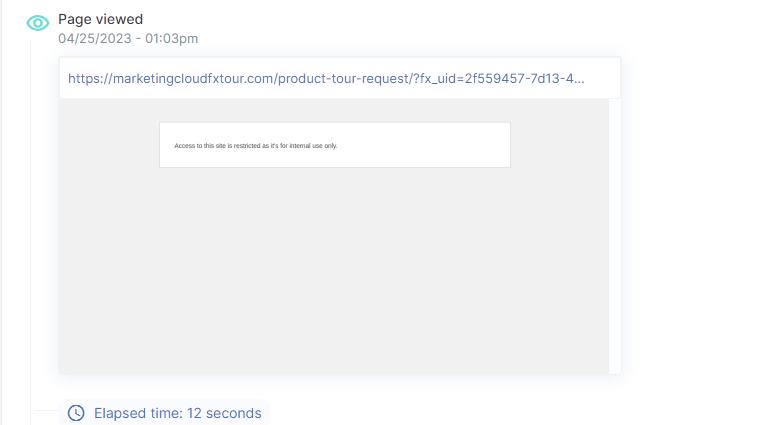
We have a fix! Simply whitelist a few IP addresses and the pageviews should begin to show. This can be done by a developer. The list of IP addresses to whitelist are:
- 52.87.44.246
- 18.160.10.104
- 18.160.10.37
- 18.160.10.57
- 18.160.10.20
- 192.124.249.175
- 13.35.93.2
- 13.35.93.125
- 13.35.93.37
- 13.35.93.12
Why This Happens
We use a screenshot tool thum.io to log screenshots of pages from our clients’ websites into the timeline and journey in customer360FX. The tool has an IP address that is sometimes blocked by tools such as Cloudflare, or wordpress plugins that blacklist IP addresses to help reduce hack attempts and spam, among other things. This issue will likely continue to grow given the increasing importance clients are placing on website security.
For the screenshot feature to work properly, typically a simple whitelist of the IPs above will allow the tool to function as it should. However, there is no documentation of all IPs that thum.io uses, however, above are the ones we have known them to use.